
EAN-13 in Adobe Illustrator with this free script.

Generate EAN-13 in Adobe Illustrator by replacing all 13-digit text in your open document with a working barcode. The created barcode will follow the placement, size and rotation of your barcode text. Isn’t it smart and easy?In this blog post, I’ll describe how the EAN-13 barcode script works and cover the known issues. Download the […]
Create a Box Cut with the MockUpinator in seconds
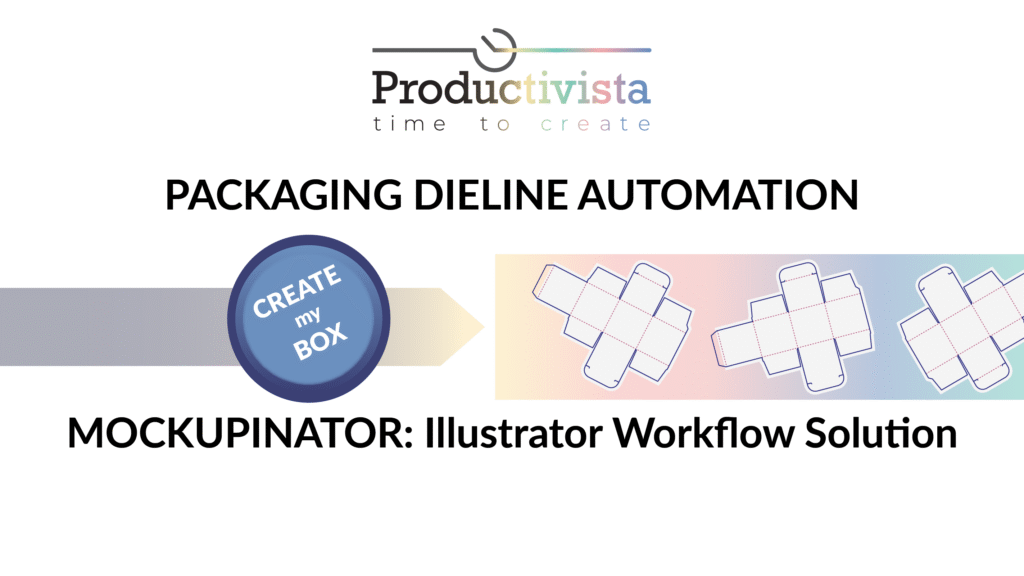
The MockUpinator script creates a die-cut line in seconds. It’s easy to use and provides some additional adjustable features, helping you work with packaging efficiently. Please read this post to learn how it works and start saving your time. Note that the created die-cut can only be used as a mock-up and not as a […]
Function Keys and Action Buttons: Quick Access to Your Scripts.

In this blog post, I describe how to make quick access to your scripts by using function keys, and action buttons. As an example, I use my scripts that add pages, date and file names to your document. You can download these scripts here and read instructions on how you can adjust them to your […]
Adjust Date and Page Numbers in your PagesDateName Script (Part 3)

Do you want to learn how to add page numbers, date and name of your document in Adobe Illustrator? Here I can introduce you to a script that can do it. Scripting for Adobe Illustrator can open new possibilities and speed up your workflows. In this post I’ll show you how to edit Date and […]
Customize the Filename Text Appearance in Your PagesDateName Script (Part 2)

Do you want to learn how to add page numbers, date and name of your document in Adobe Illustrator? Here I introduce you to a script that can do it. Scripting for Adobe Illustrator can open new possibilities and speed up your workflows. In this post, I’ll show which part of the PagesDateName script you […]
Add Page Numbers, Date and Filename in Adobe Illustrator using a Script (Part 1)

Do you want to learn how to automatically add page numbers, date and name of your document to your illustration in Adobe Illustrator? Here I can introduce you to a script, that can do it. Scripting for Adobe Illustrator will open new possibilities and speed up your workflows. Adobe Illustrator is not InDesign, but as […]
ColorList Script: make a list of colors from a selection
Update Notice [17-July-2024] I’ve made significant improvements to the ColorList Script for Adobe Illustrator! The new version offers enhanced features and customization options, making it easier than ever to create beautiful color charts. Check out the Improved ColorList Script for Better Color Charts for the latest updates and download instructions. Using this script can save […]
No more frustrating LastFinalRealFINAL_5.ai Files

If you save your document in the Creative Cloud, you can track Version History of your file directly from Adobe Illustrator. It’s not necessary anymore to save hundreds of versions of the same file. This is a very nice and helpful feature. The Version History works with documents saved in Adobe Creative Cloud. You already […]
New Document Profiles: Save Your Default Settings
In this blog post, I want to show how you can overwrite New Document Profiles and save your defaults this way. We may not always be happy about some of Adobe Illustrator’s defaults, but mostly we accept them. This is not necessary. We can change some of them, so we adapt them to our needs. […]
Change Default Font from Myriad Pro to Your Favourite Font

Previously I wrote about how to change the Default Graphic Style to your preferred version. In this post, I’ll tell you how to change the Default Font, (which in Adobe Illustrator always is Myriad Pro) to another font. It is very easy to change the Default font from Myriad Pro to something else. You can […]