
Appearance panel and its secrets
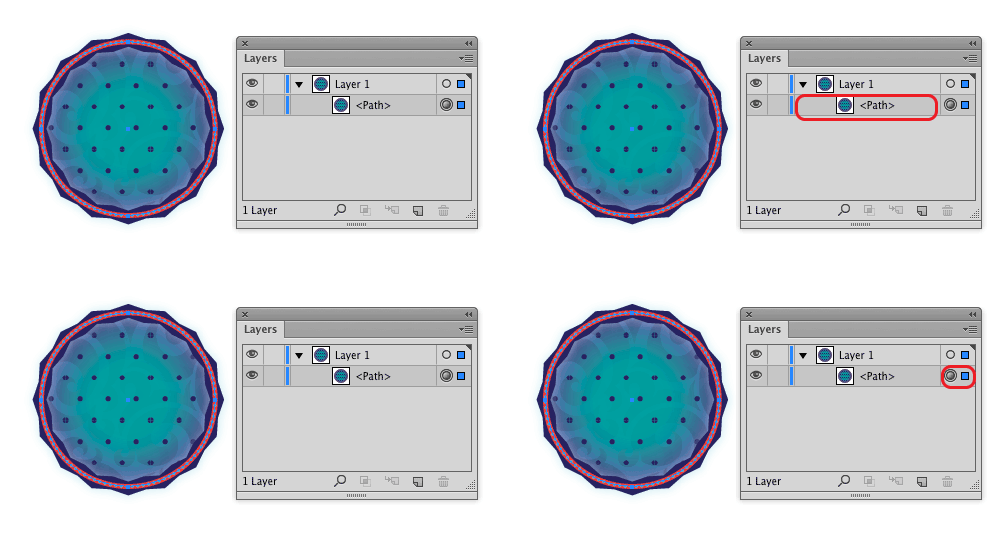
Hello and welcome here on Productivista. Today I want to introduce you to the Appearance panel. It’s really a lot of fun to work with it and you can be amazed by all the cool things you can do by with it. A good way to understand the Appearance panel, is to see it as […]
The Magic of Copy-Paste: Extension-Paste in Layers
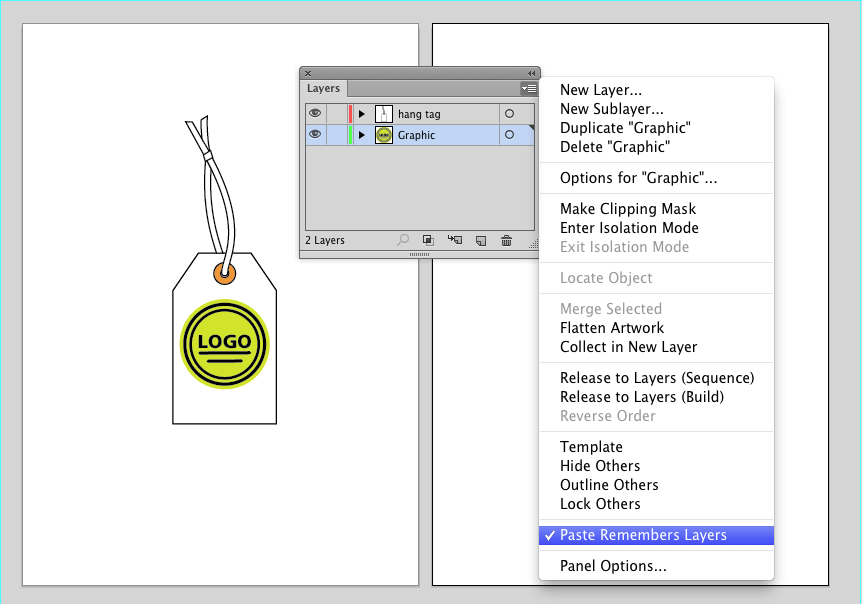
Hello, I am back from my vacation. My plan was to write a post about Appearance palette, but it will wait a little bit. But for now, I want to make a little extension to my theme about Copy-Paste. By coincidence I was lucky to discover some new feature. And I want to write about […]
The Magic of Copy-Paste: PART 2-More tricks and spells

In this Productivista blog, I´ll continue the Copy-Paste theme by showing how you can use it together with Duplicated Artboards But before that, I just want to give another quick tip about where it is smart to use the Cut-Paste method. Sometimes it can happen, that you begin to make some changes to an object […]
The Magic of Copy-Paste: PART 1-Simple tricks

This post in Productivista is about one of my favorite functions in Adobe Illustrator. It is a big time saver, easy to use and works like magic. I love it. Like in many other applications you can Copy your object or text by using the shortcut key “Ctrl/Cmd+C” You can cut your object or text […]
Artboards in Adobe Illustrator 3: Rearrange artboards
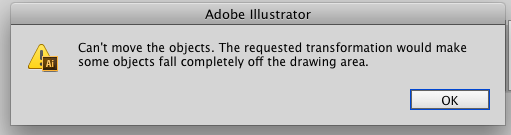
I’ve previously showed how you can save time by working on duplicated artboards in parallel and how to rename and save artboards with unique names for seperate files. It is also nice to know, how artboards can be rearranged. There are two cases where I often find this feature useful. By tracking artboard up or […]
Artboards in Adobe Illustrator 2: Rename and save

Last time I wrote a bit about how to duplicate and customize artboards for later working in parallel. Usually I don´t rename Arboards, but from time to time I need to save each artboard separately. It can then be useful to give artboards a proper name to avoid confusion. The picture above shows, that when […]
Artboards in Adobe Illustrator: Duplicate artboards
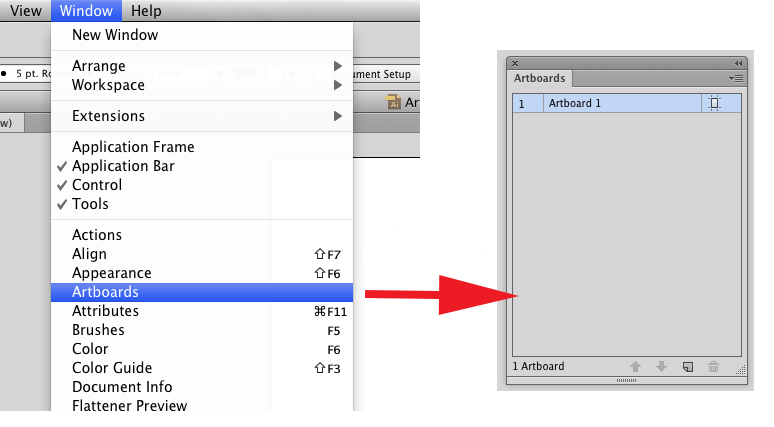
The first theme of my blog will be about artboards in Adobe Illustrator. In my work I often need to create variations of the same basic artwork. Therefore I prefer to duplicate artboards, rather than create them from scratch. As an example I’ll show how to create variations of a simple hang tag. So […]